
Robot Guide · Learn
Everything you need to know about robot mowing.
No jargon, no sales talk. Just honest, practical knowledge about the technology, the terrain and what a robot mower actually means for your garden and your time.
How the robot reads its environment
Every garden is unique. A flat open lawn makes different demands than a steeply terraced garden or a complex space with flower beds and narrow passages.
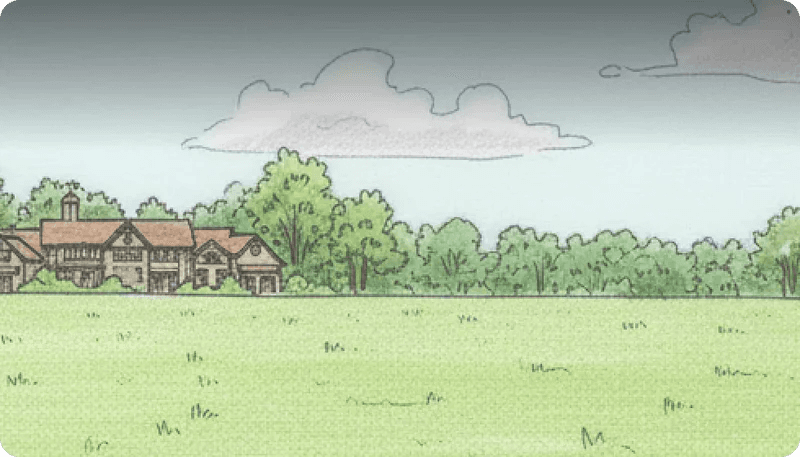
All models work well here. The robot runs efficient parallel passes and maps the area quickly. RWD models are perfectly suited and offer the best value.
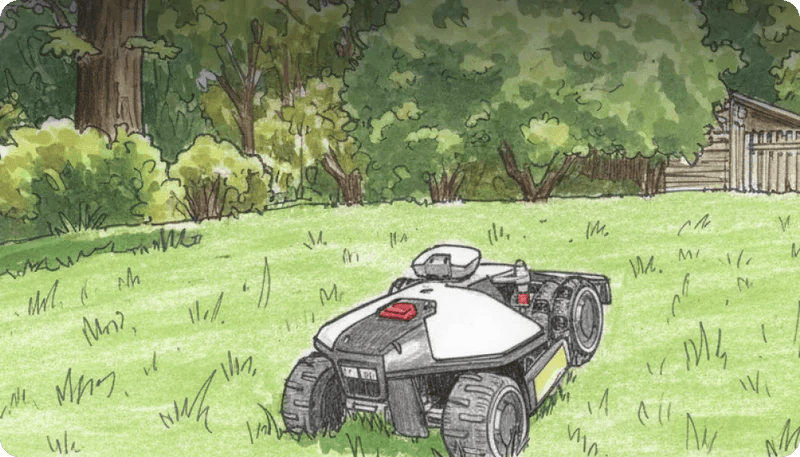
The robot actively reads gradient changes and adjusts its route to tackle slopes from the safest angle. AWD models distribute torque to each wheel independently, maintaining grip on wet morning grass.

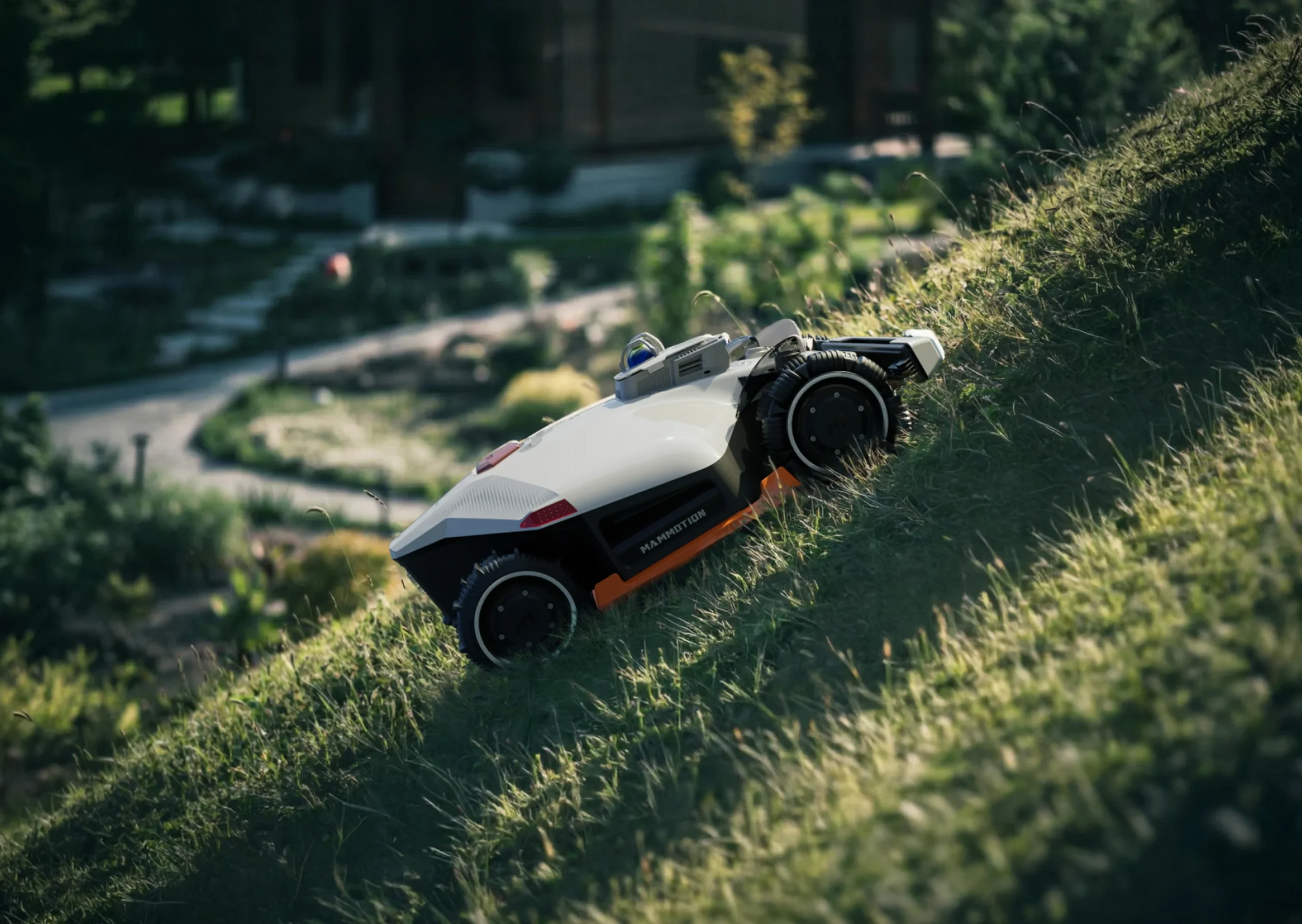
Above 24° only AWD Luba models apply. The mower plans its path to traverse steep sections with maximum stability, with LiDAR to see the terrain ahead and NetRTK to hold its exact position on the slope to within a centimetre.
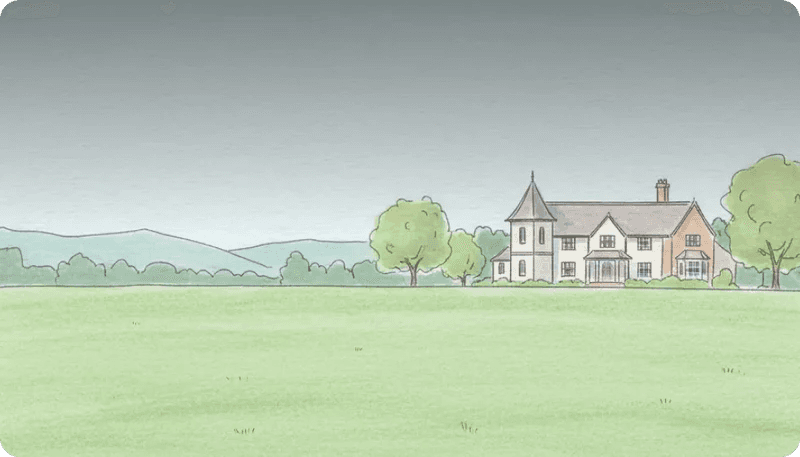
Open space is where satellite positioning (NetRTK) delivers its best results. With a clear view of the sky, the robot maintains centimetre accuracy across the full width of the lawn.

Trees, flower beds, a patio, garden furniture. The AI camera system recognises each obstacle individually, plans a route around it in real time and returns to complete the mowing pass it left. The robot learns the garden's fixed layout over repeated visits.

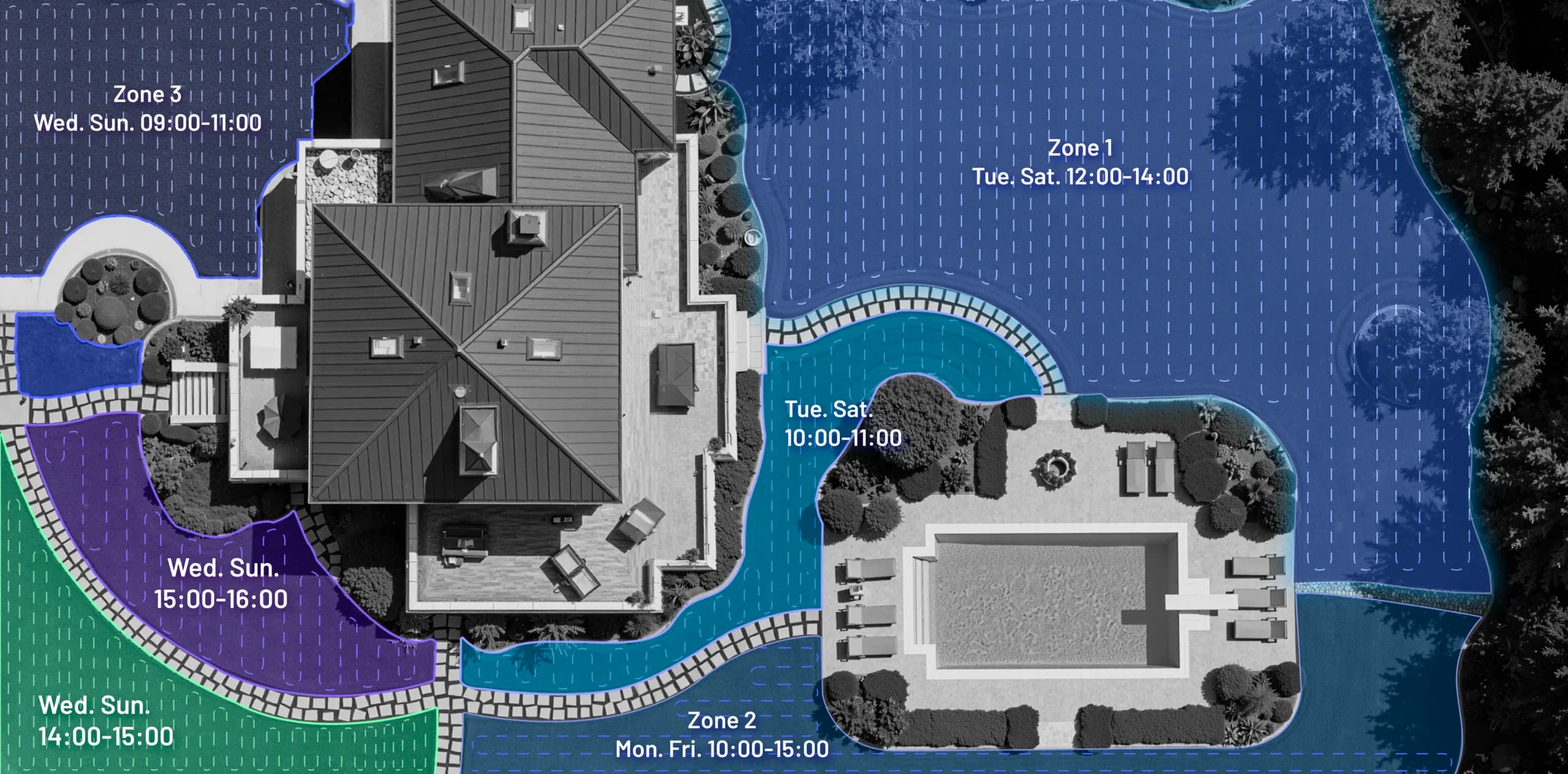
Narrow passages, multiple separated zones, dense planting, paths cutting through the lawn. LiDAR builds a living 3D map of the entire space and replans the route in real time. Multi-zone management lets you assign different cut heights and schedules to each area.

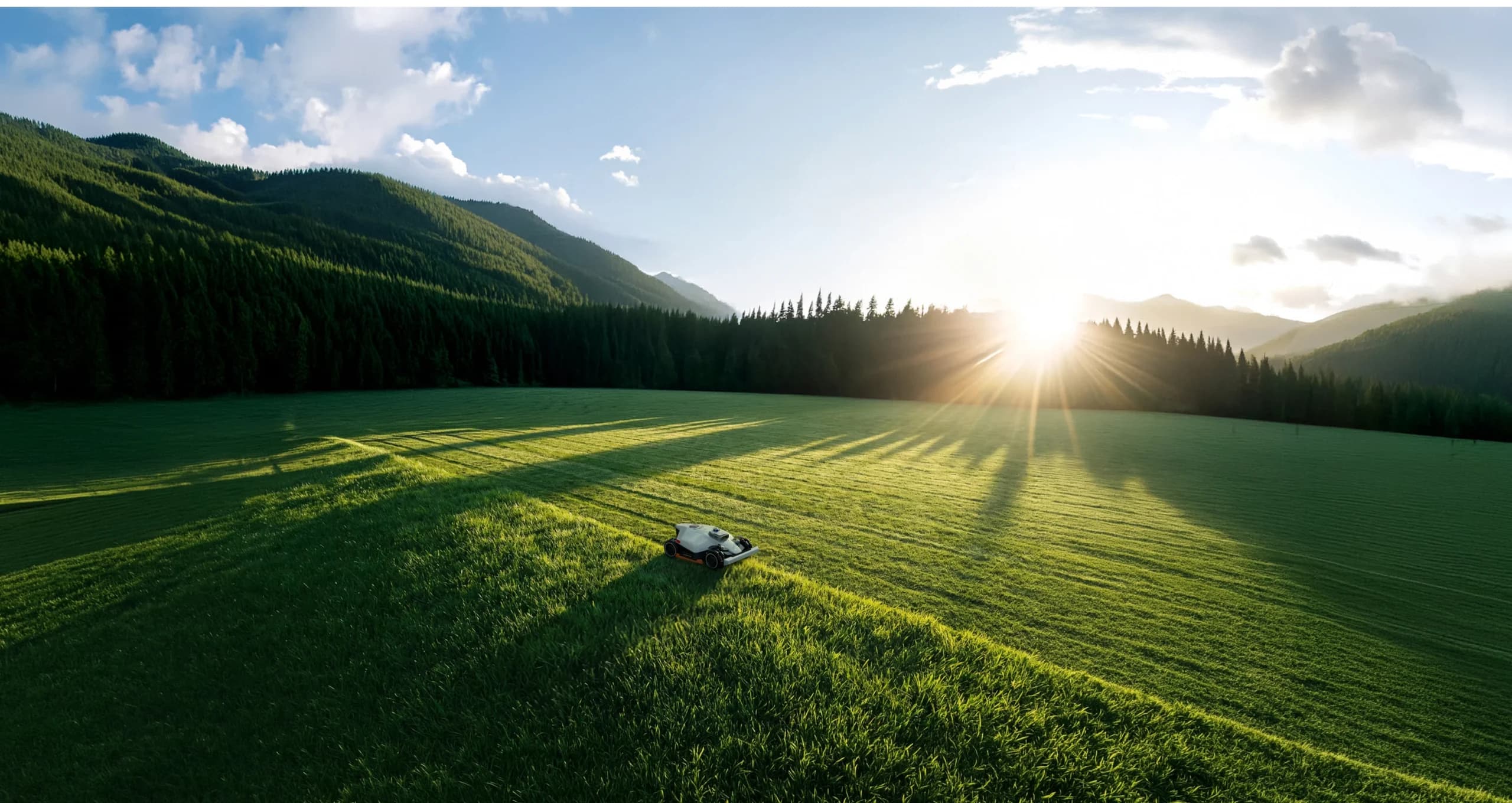
Park-like gardens and large plots use the Luba 3 AWD 3000, 5000 or 10000. The robot divides the plot into logical zones and mows each one systematically, returning to charge and resuming automatically. NetRTK keeps it perfectly on course over long straight runs.

A fenced garden is the simplest environment for a robot mower. Physical boundaries act as a natural border that the robot reads visually. Even the most basic navigation system works reliably here.
How does it find its way?
The most important question people have. No wires, no markers — how does a robot mower know exactly where it is, where it has been and where the edges are?
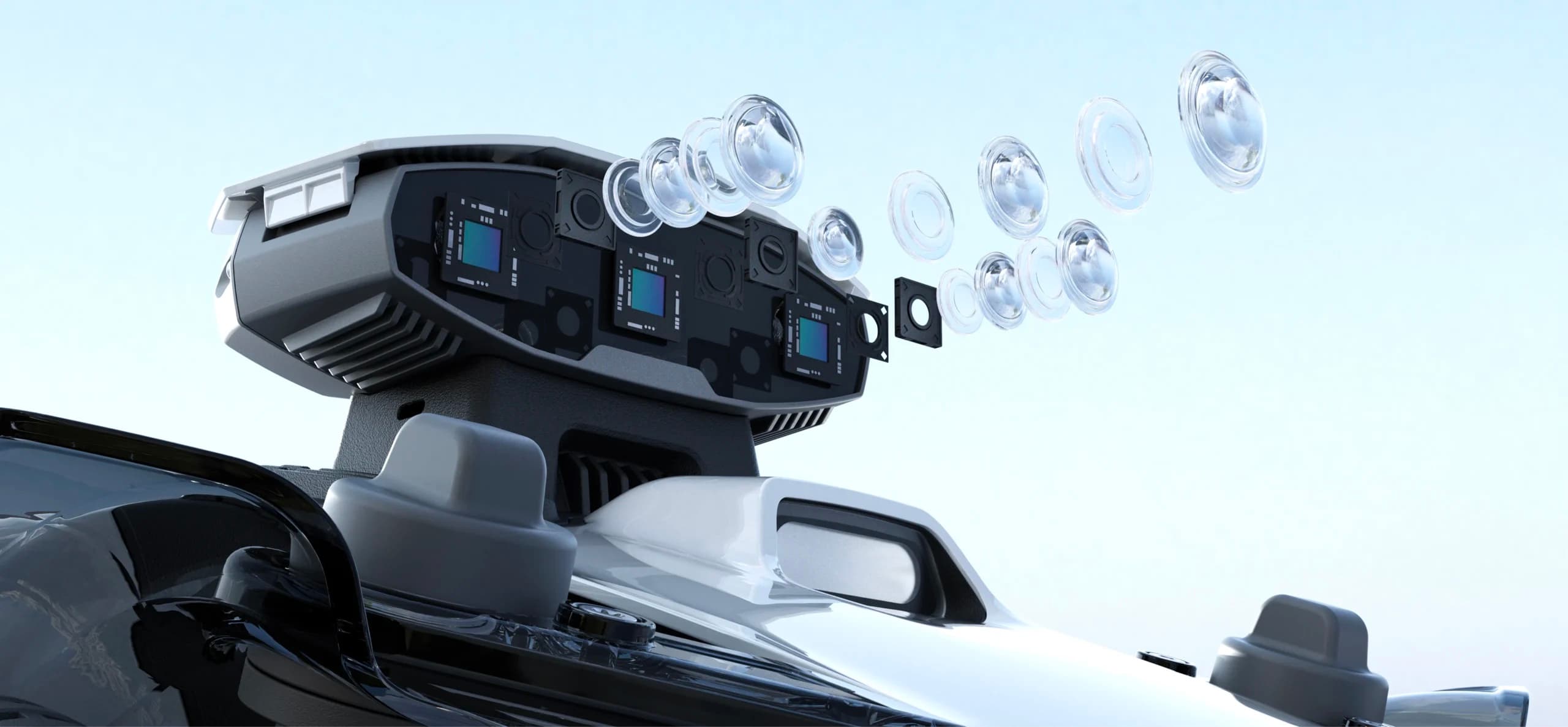
Three cameras and an AI brain with 10 trillion operations per second
Tri-Camera AI Vision uses multiple HD cameras together with a 10 TOPS AI chip to process what the robot sees in real time. It identifies grass from non-grass surfaces, recognises obstacles down to 2.5 cm and continues navigating up to 300 metres even when the satellite signal is completely gone.
- Recognises over 300 obstacle categories — garden tools, toys, hedgehogs, children, pets
- Detects obstacles as close as 2.5 cm with immediate course correction
- Reads grass-to-surface transitions to understand boundaries without satellite
- Works independently of GPS — continues mowing through signal loss
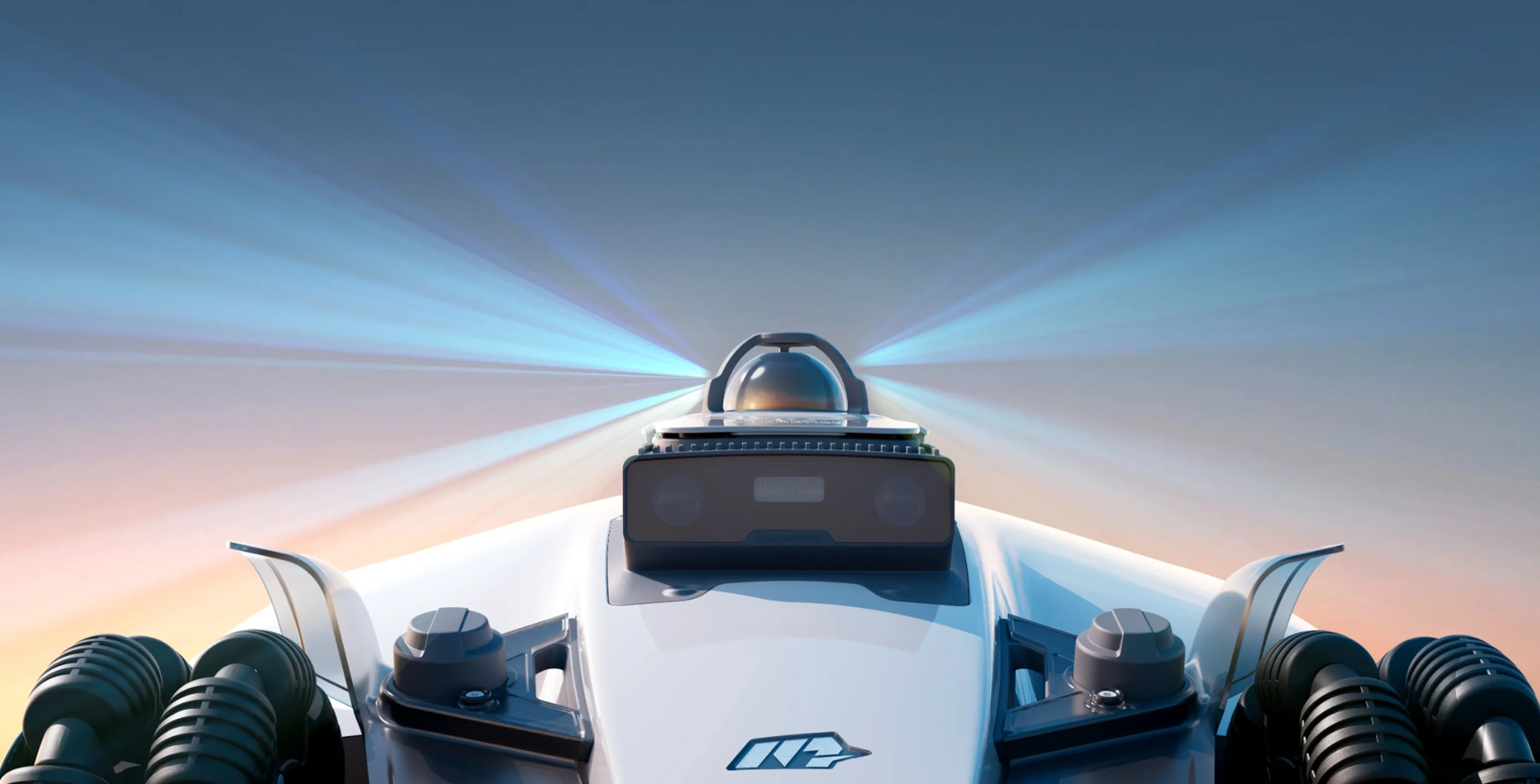
Laser light that maps everything in real time
LiDAR (Light Detection and Ranging) fires millions of laser pulses per second in a full 360° arc and measures how long each pulse takes to bounce back. The result is a living, constantly updated 3D map of everything around the robot.
- Detection range up to 100 metres, scanning 360° horizontally and 59° vertically
- Positioning accuracy of ±1 cm — works equally well in total darkness as in daylight
- Continues navigating under dense tree canopy where GPS stops working entirely
- Builds a living 3D point-cloud map from millions of data points every second
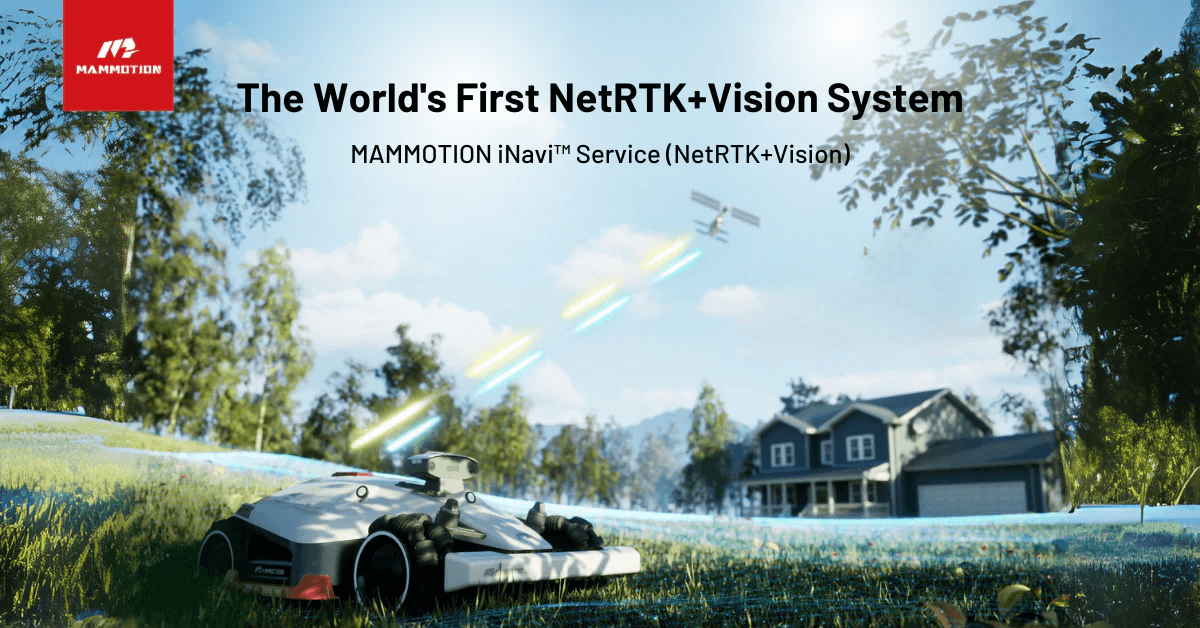
Satellite positioning accurate to the centimetre
NetRTK (Network Real-Time Kinematic) is a step above ordinary GPS. Instead of relying on a single satellite signal, it cross-references signals from multiple satellites with correction data delivered via 4G.
- Centimetre-accurate positioning — keeps straight mowing lines precise across large areas
- Uses Mammotion's iNavi service, included free for 3 years on supported models
- No physical RTK antenna mast needed — works via the robot's built-in 4G module
- Particularly valuable for large areas and multi-zone plots with long straight runs
Why Luba 3 AWD 3000, 5000 and 10000 are different. These models combine all three systems working simultaneously. LiDAR is the primary navigator. NetRTK satellite provides centimetre-accurate positioning. Tri-Fusion Camera + AI handles obstacle detection and boundary identification. When one system reaches its limit, the others seamlessly take over.
What do the numbers actually mean?
Slope ratings are given in degrees and percentage and both figures can be confusing. Move the slider to understand what each angle looks and feels like.
Gentle — you can walk comfortably
All Mammotion models work well here. Standard walking pace on flat ground. RWD models are ideal.
You lean slightly forward when walking uphill. Approaching the limit of RWD models. Yuka Mini 2 handles this.
This is why AWD matters. Four independent motors maintain grip where two-wheel drive slips, especially on wet grass.
Exceeds all current Mammotion models. Contact Datanova for advice if your steepest section exceeds this.
What does setup look like?
The old assumption about robot mower installation — bury cables, call a contractor, a full day's work — does not apply here. No cables, no digging, no professional required.
Choose a flat, dry spot near a power outlet — ideally near the lawn edge but accessible from a sheltered position. The station stays here permanently. No digging, no cabling in the ground, no permanent installation required.
About 15 minutesOpen the Mammotion app, add your mower and start a mapping task. You walk your lawn's perimeter with the app as a remote control — the robot records the path and builds a precise virtual map from it.
15–30 minutes for most gardensOnce the map is complete you see it in the app. Draw exclusion zones around flower beds, the pond, the vegetable garden. Set a narrower passage through a gate if needed. Add mowing zones for different areas with different schedules and cut heights.
5–15 minutes depending on complexitySet how often you want it to mow (daily is ideal for lawn health), what time, and at what height. From now on the robot runs on its own — charges, mows, returns to base, repeats. You get a notification if it ever needs attention.
A few minutes — done onceThe Luba 3 and Yuka Mini 2 ranges also support DropMow. Place the robot anywhere on the lawn, press a button and it starts mowing immediately in a precise N-pattern — no mapping, no app configuration needed.
Literally 30 seconds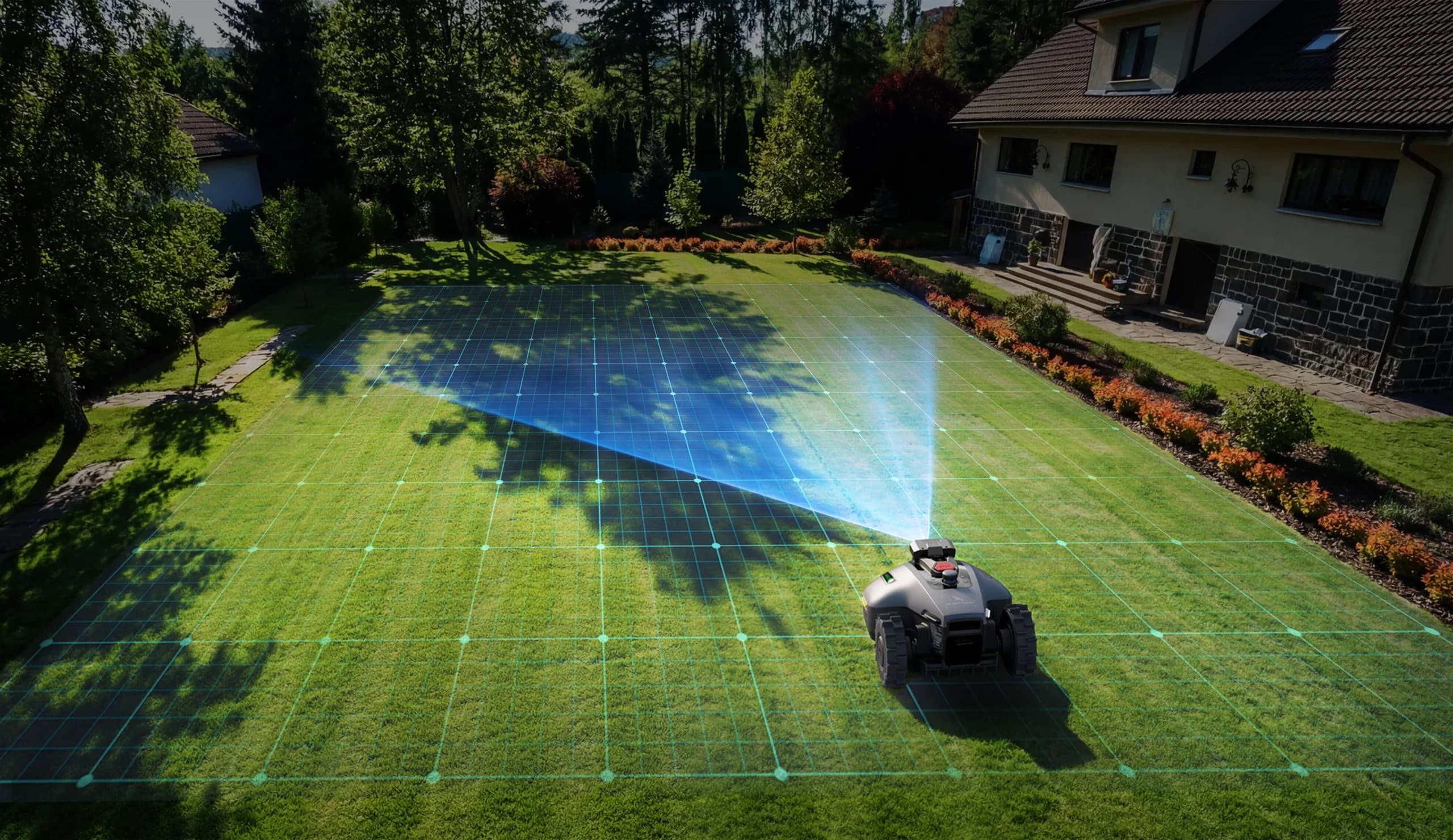
What about children, pets and obstacles?
The most important question for any family. Modern robot mowers are significantly safer than traditional petrol-powered mowers.
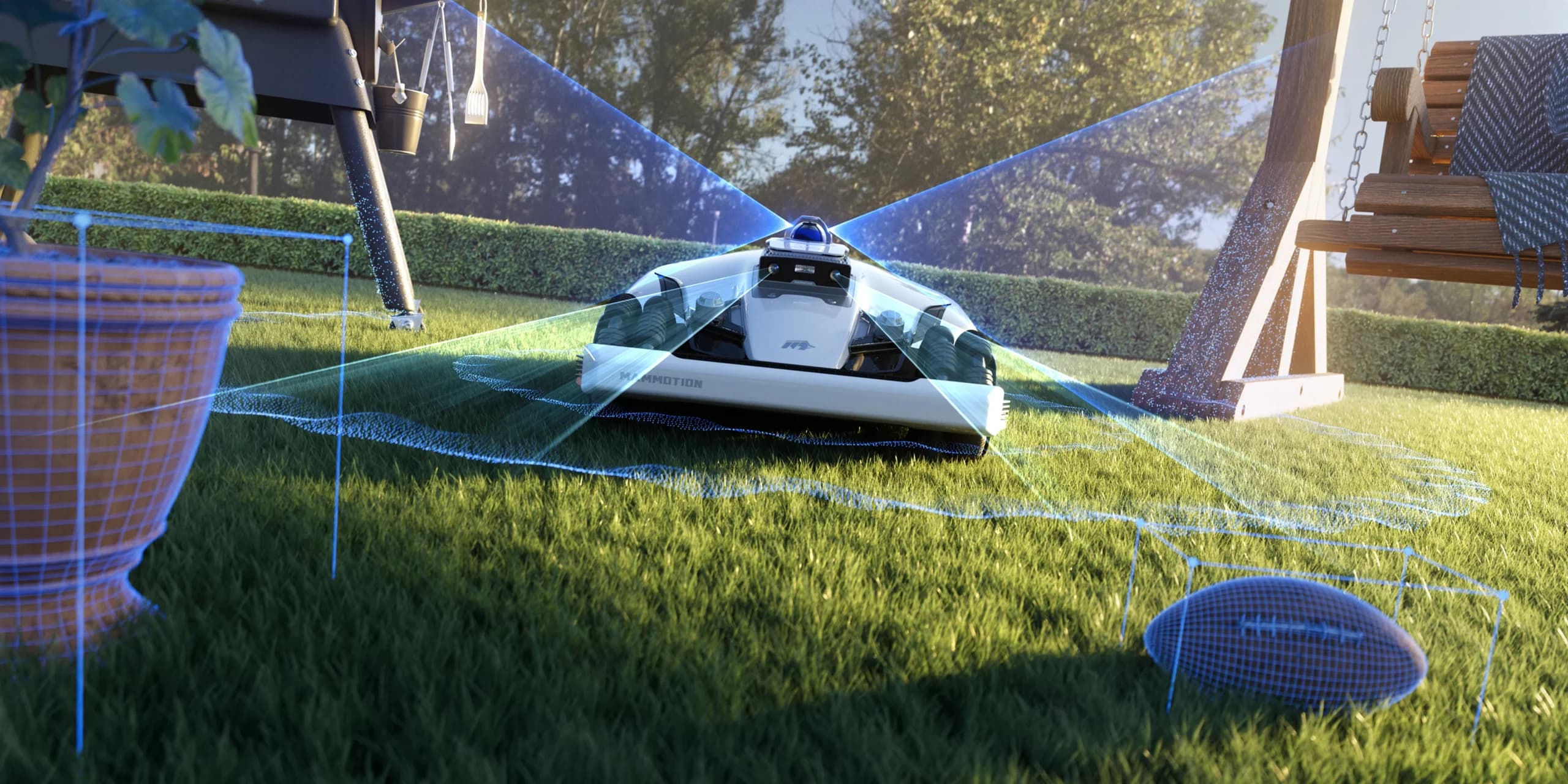
Children, pets, garden tools, footballs, hedgehogs — down to objects of just 2.5 cm. The robot sees them, stops, replans and continues. Before any contact is made.
Lift it and the blades stop within milliseconds. The same if it tips or falls over. No exceptions, every time.
Rain sensor pauses mowing automatically and resumes when conditions improve. IPX6 waterproof — built to live outdoors year-round.
Centimetre-accurate positioning. It knows exactly where its boundary is and will not cross it — flower bed, driveway or neighbour's garden.
It sees what you cannot see from inside the house
Children, pets, garden tools, footballs, hedgehogs — down to objects of just 2.5 cm. The robot sees them, stops, replans and continues. Before any contact is made.
An honest note about children and pets
Robot mowers are significantly safer than traditional rotary mowers. The blades are small, enclosed and stop immediately on ground contact. But like all garden machinery they should not be treated as childcare. Most families mow early morning or late evening when the garden is quieter. The AI recognises children and animals — but common sense remains the best safety system of all.
A full year with your robot
Robot mowers are designed for minimal maintenance — but a few simple tasks through the year keep performance at its best.
- Inspect the charging station and cables after winter
- Clean the LiDAR lens and camera lenses with a dry cloth
- Check blade condition — replace if worn
- Run a test mapping to update the boundary map
- Gradually lower the cut height as the grass starts growing
- Set a daily mowing schedule — spring growth is fastest
- Continue daily mowing schedule
- During dry spells, raise the cut height slightly to protect roots
- Check and clean the robot's underside monthly
- Replace blades every 60–90 days of active mowing
- Clean camera lenses if the mowing pattern seems irregular
- Check wheel condition and tread on slope models
- Remove fallen leaves before mowing if they have collected in thick layers
- Gradually raise cut height as growth slows
- Reduce mowing frequency when temperature drops below 10°C
- Inspect and clean charging contacts
- Final blade replacement before winter storage
- Stop mowing when ground temperature reaches 5°C or below
- Clean the robot thoroughly before storage
- Store indoors or in a garage — avoid prolonged frost exposure
- Keep battery at 40–60% charge during storage
- Update firmware via the app before the new season
Sharp edges, clean cuts, no vibration. The robot runs quietly and leaves a clean result.
Continue usingAfter 60 days of active mowing, or if you notice the grass looking slightly torn rather than cleanly cut. Check visually.
Check nowRounded edges, damage from stones or visible bending. Blades are inexpensive — do not wait. Blunt blades damage the lawn and stress the motor.
Replace bladesAbout the battery
Mammotion's 2026 models include intelligent battery management — you can set a maximum charge level (80% is ideal for daily use, 100% for longer sessions) and schedule charging during off-peak hours. Avoiding constant full charges and storing at partial charge over winter significantly extends battery life.
Ready to choose?
Find the right robot for your garden
Answer five questions about your lawn and we will tell you exactly which model fits — with specific reasons why.